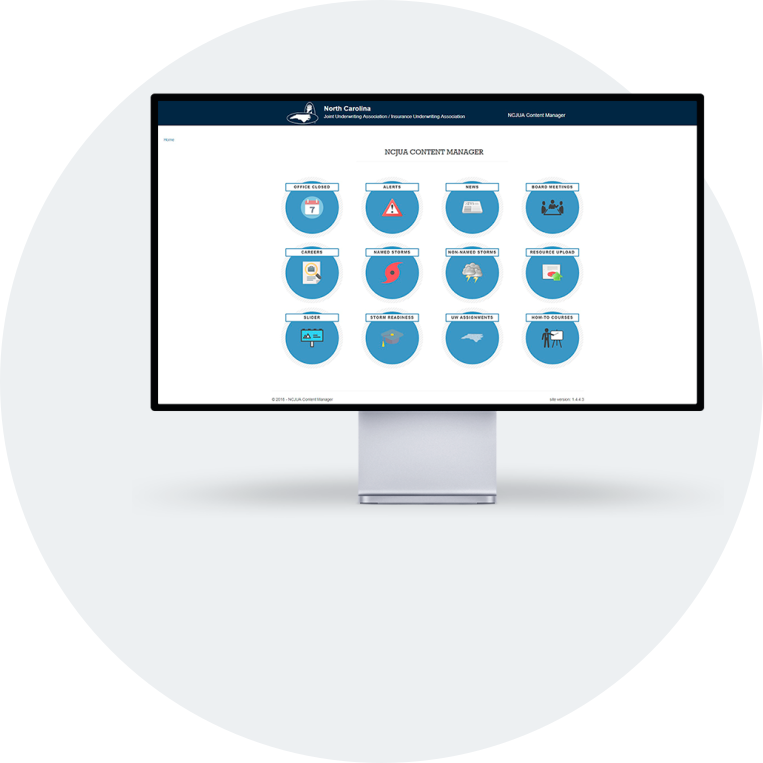
Content Management App
A custom CMS built to put website content control in the hands of the people who owned it, reducing routine maintenance requests to the development team.
tools + languages
Microsoft Visual Studio, GitLab, Microsoft SQL Server Management Studio, Bootstrap, HTML, CSS, ASP.NET MVC
View interface
The Opportunity
Reduce the Amount of Website Change Requests
A small development team cannot afford to have its time consumed by minor content updates. At NCJUA/NCIUA, the IT team was already managing a significant policy administration system migration when requests for simple website changes, adding a date to the calendar, updating contact information, appending a sentence, were still being routed through them. Every minor request represented an interruption to more complex and consequential work. The organization needed a way to put routine content control in the hands of the people who owned it.
The Solution
A Custom CMS Built to Match the Organization's Needs
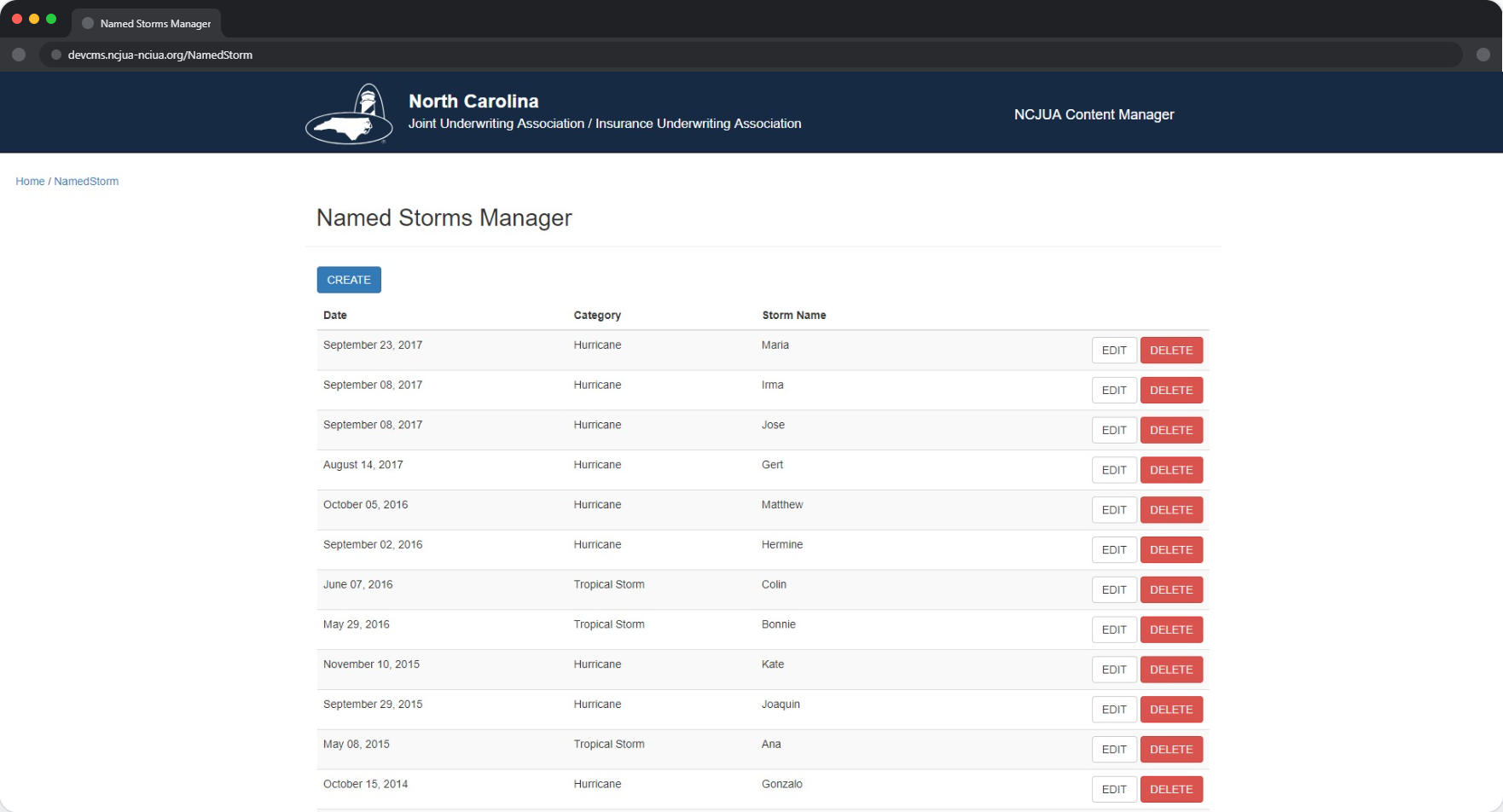
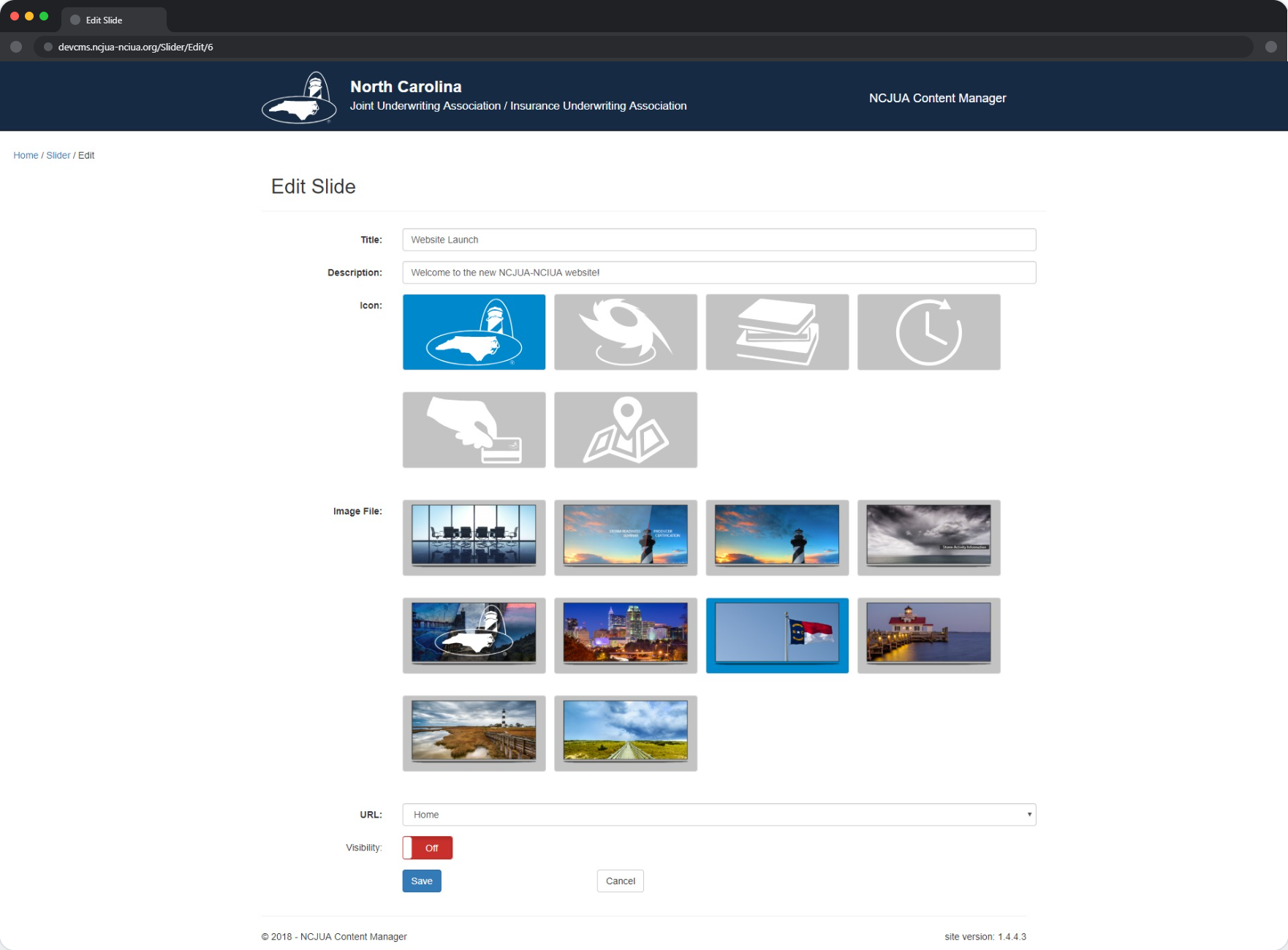
Working in parallel with the website redesign, I proposed and built a CRUD application that gave business administrators and designated department leads direct access to the content they were responsible for maintaining. What began as a simple news management tool grew into a comprehensive system covering homepage alerts, calendar events, storm notifications, contact information, resources, and more. The application was designed to be simple enough for non-technical users while being robust enough to handle the full range of content the site required.
The Process
Understand the Goal
The problem was one I identified firsthand while working on the website redesign. The development team was small and already committed to a major infrastructure project. Simple content change requests were creating interruptions that neither the team nor the organization could afford. I proposed a CRUD application that would give business administrators and department leads direct control over frequently changing content, including news posts, events, contact details, storm alerts, and more. The goal was not just to build a tool but to remove a category of work from the development team's queue entirely.
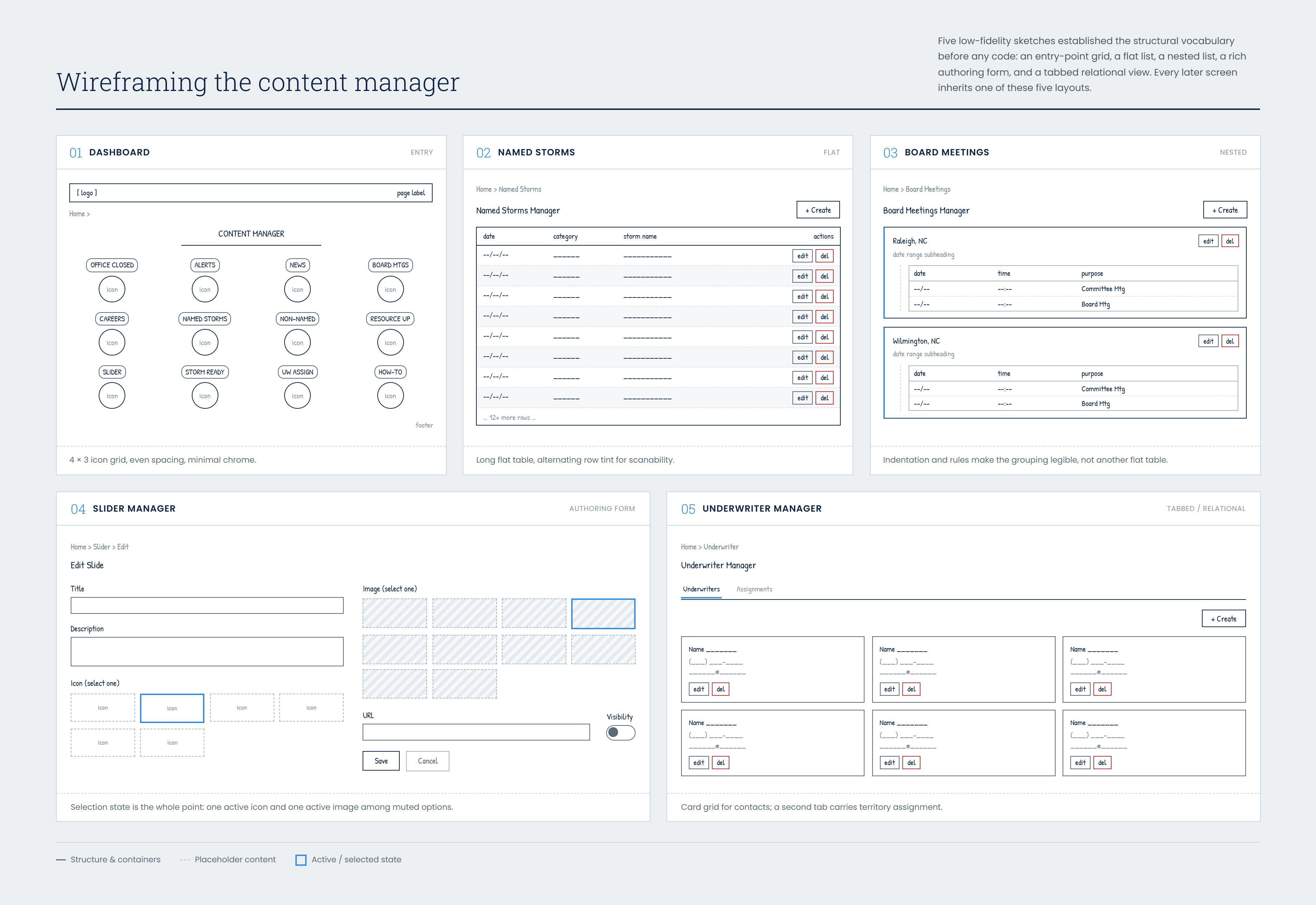
Sketch Basic Layouts
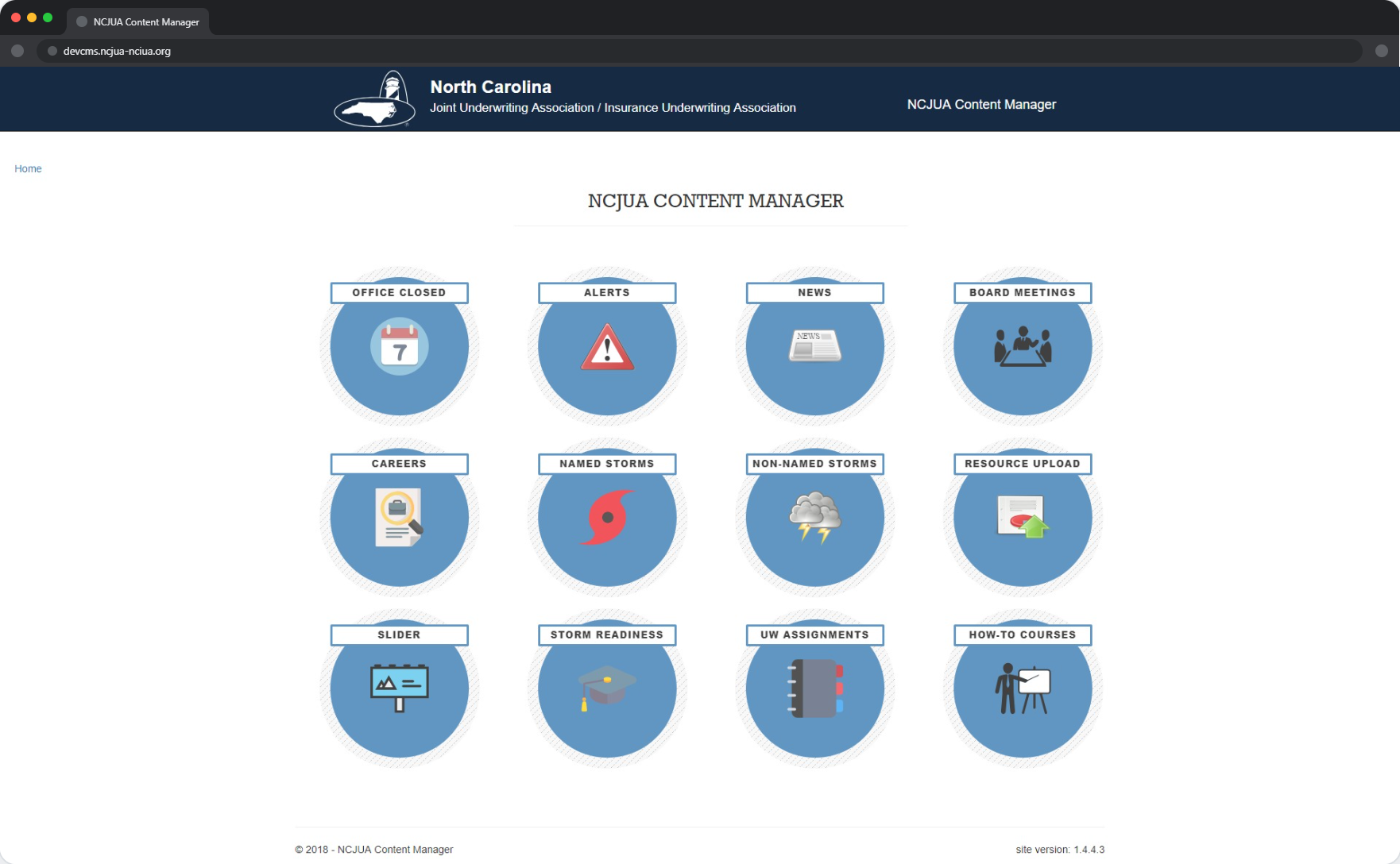
Before moving into development, I worked with the development team to identify which sections of the website would benefit most from direct administrator control. The list grew quickly: homepage alerts, slider content, underwriter assignments, news, board meetings, careers, named and non-named storms, storm readiness trainings, resources, how-to courses, and office closures. Each represented a category of content that changed frequently enough to justify a dedicated management interface.
Knowing the application would be built on Bootstrap, I kept the interface sketches focused on simplicity. The users of this tool would be business analysts and department leads, not developers. Every layout decision was made with that audience in mind, clear labels, minimal steps to complete a task, and no unnecessary complexity.
Build Initial Page
The application was built on ASP.NET MVC, the same technology stack as the member portal, with Microsoft SQL Server managing the data layer. I came into the project without prior experience in ASP.NET MVC or C#, so the first page was built collaboratively with a more experienced colleague who guided me through the framework and syntax. After that initial foundation I led the build independently, drawing on what I had learned and requesting help when specific challenges arose. The experience of learning a new technology in a production context and carrying it forward on my own is one I consider a significant milestone in my development as a developer.
Expand for Additional Content
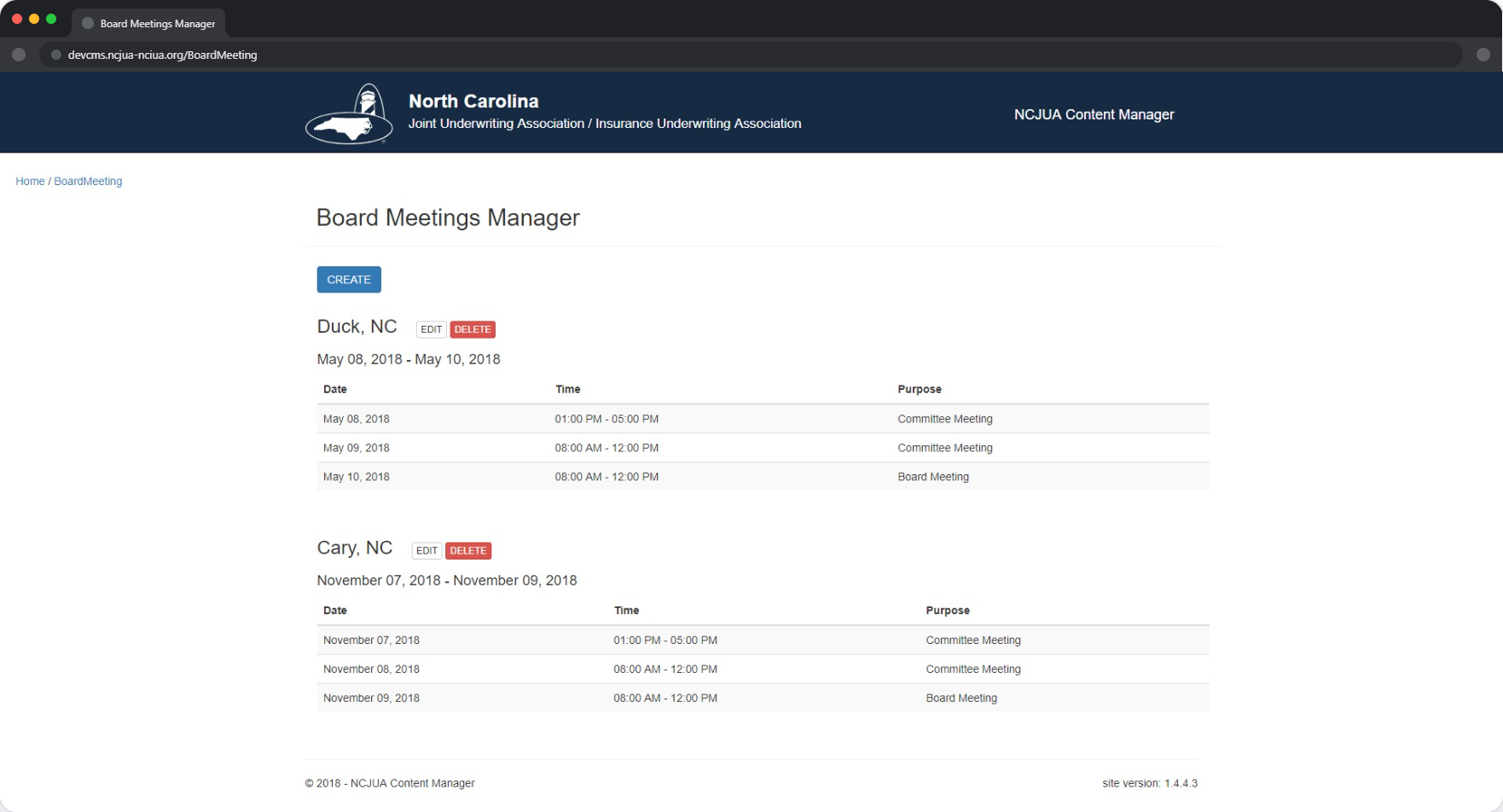
Once I was comfortable with the framework, I built out the full scope of the application, adding management interfaces for each content category identified in the planning phase. Alerts, carousel slides, news entries, storm notifications, board meeting schedules, and more were all brought into the system. The result was a tool that put content control directly in the hands of the people responsible for it, without requiring a single development ticket for routine updates. Like the website redesign it was built to support, the CMS was completed and launch-ready but was not ultimately released publicly due to the same organizational decision that shelved the website.